Contents
Introduction
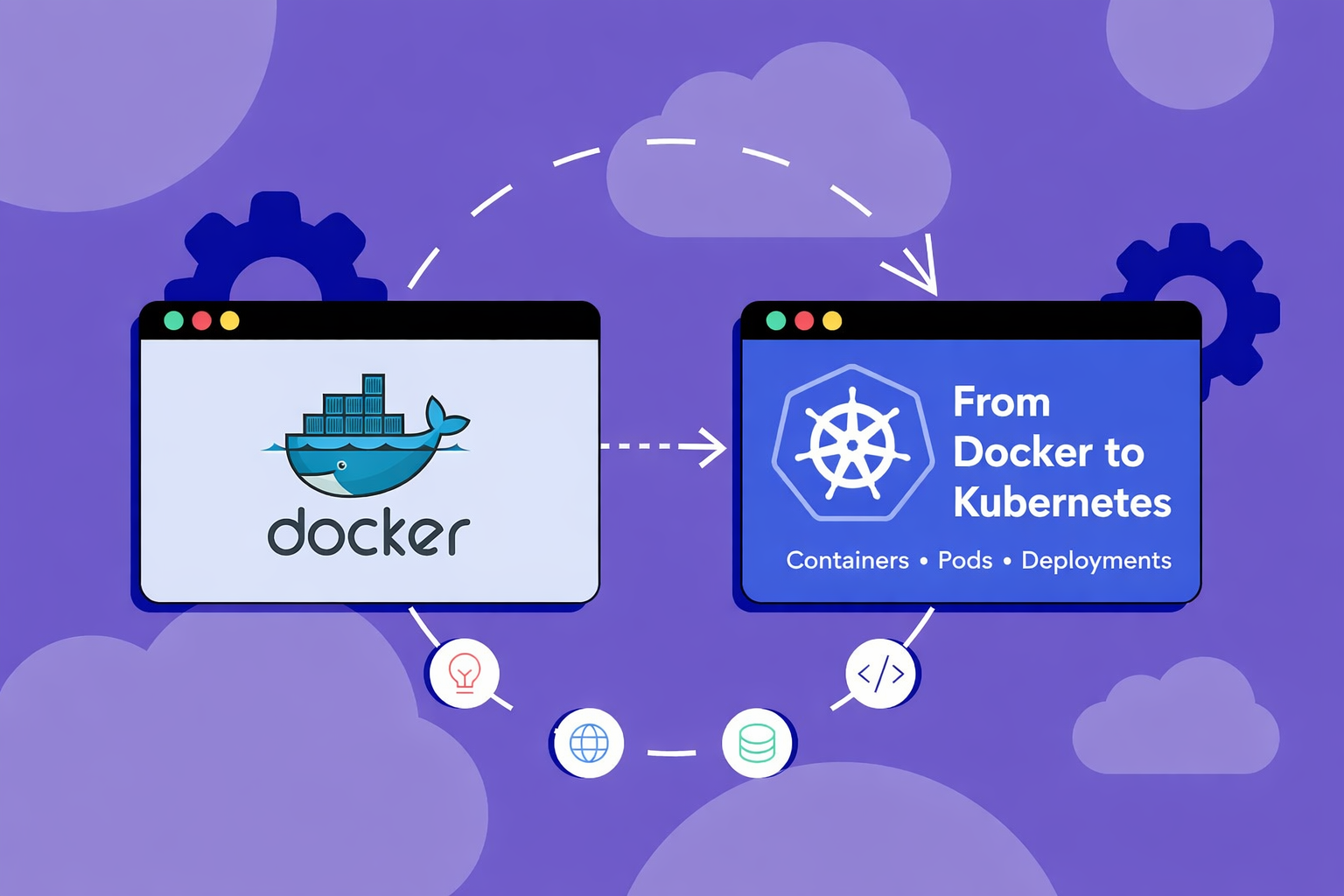
If you’ve already learned Docker, the next big step is Kubernetes.
Modern applications no longer run as a single container – they run as hundreds or even thousands of containers. Managing them manually is nearly impossible.
That’s where Kubernetes comes in.
What is Kubernetes?
Kubernetes is an open-source container orchestration platform originally developed by Google.
It helps you:
- Manage containerized applications
- Automate deployment & scaling
- Ensure high availability
- Handle failures automatically
In simple terms:
Docker runs containers
Kubernetes manages containers at scale
Why Do We Need Kubernetes?
As applications grow, they become more complex:
- Microservices architecture
- Multiple containers per app
- Distributed systems
Without orchestration:
- Hard to scale
- Frequent downtime
- Manual deployments
- Complex networking
Kubernetes solves all of this by automating:
- Scaling
- Load balancing
- Failover recovery
- Deployment updates
Core Kubernetes Concepts
1. Pods
Pods are the smallest unit in Kubernetes.
- Wrap one or more containers
- Provide a running environment
- Each pod has its own IP
Think of Pods as “containers + environment”
2. Services
Pods are temporary (they can restart anytime).
Services provide:
- Stable IP address
- Load balancing
- Communication between pods
No more broken connections when pods restart
3. Deployments
Deployments manage Pods.
They allow you to:
- Scale applications
- Define number of replicas
- Perform rolling updates
You don’t manage pods directly – you manage deployments
4. Volumes
By default, containers lose data when restarted.
Volumes solve this by:
- Persisting data
- Storing it outside containers
Essential for databases
5. ConfigMaps & Secrets
Used for configuration:
- ConfigMaps → Store non-sensitive data
- Secrets → Store passwords, credentials
Keeps your app flexible and secure
6. Ingress
Ingress allows external access:
- Domain-based routing
- HTTPS support
- Clean URLs
Instead of using raw IP + port
Kubernetes Architecture (Simplified)
Kubernetes has two main parts:
Master Node
Controls the cluster:
- API Server
- Scheduler
- Controller Manager
- etcd (stores cluster state)
Worker Nodes
Run your applications:
- Pods
- Containers
- kubelet & kube-proxy
How Kubernetes Works
- You define a desired state (via YAML)
- Kubernetes compares it with current state
- Automatically fixes differences
Example:
You want 3 replicas
– Only 2 are running
– Kubernetes creates 1 more
This is called self-healing
Key Tools You’ll Use
kubectl
Command-line tool to interact with cluster
Examples:
kubectl get podskubectl apply -f config.yaml
Minikube
Runs a local Kubernetes cluster on your machine
Perfect for beginners
Real-World Benefits
Kubernetes helps you:
- Achieve zero downtime deployments
- Automatically scale apps
- Recover from failures instantly
- Run apps across cloud & on-premise
Final Thoughts
Learning Kubernetes is a game-changer for developers.
Most people stop at Docker…
But real-world systems require Kubernetes.
If you understand:
- Pods
- Services
- Deployments
You’re already ahead of 80% of developers.
Conclusion
Kubernetes may seem complex at first, but once you understand the fundamentals, it becomes incredibly powerful.
Start small. Practice with Minikube. Build real projects.
And most importantly – keep experimenting.